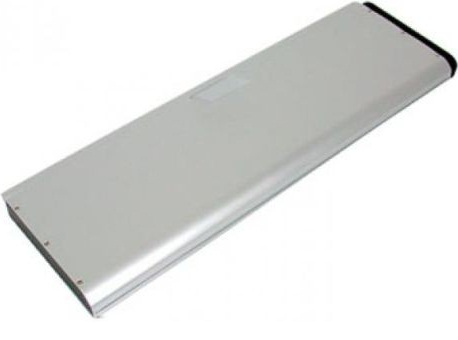
We provide
Apple MacBook MB471*/A laptop battery
, All our discount
Apple MacBook MB471*/A laptop batteries are brand new,
high capacity, li-ion, rechargeable and made with high quality cells. The best
Apple MacBook MB471*/A battery meet or
exceed the original laptop battery specifications.
Laptop Battery Pack For
Apple MacBook MB470CH/A MB470J/A A1281 MB772
Li-ion Brand new Laptop Battery - Usually ships the same business day.
 Brand new, 1 Year warranty !
P/N:
Apple MacBook MB471*/A
50WH Apple MacBook MB471*/A Laptop Batteries Description:
Cheap
Apple MacBook MB471*/A Laptop Battery pack
-
Battery Type:
Li-ion
-
Battery Capacity:
50WH
-
Battery Voltage:
10.8V
-
Battery Size:
249.20 x 78.00 x 11.00 mm
-
Battery Color:
Silver
-
Battery Brand:
Apple Laptop
Battery
Original Price:
£48.75
Special Price :
£39.00
 Availability :
IN STOCK
Availability :
IN STOCK

Apple MacBook MB471*/A Can replace the following part
numbers
Apple MacBook MB471*/A Can replace the following models:
Tips: Make your
Apple Apple MacBook MB471*/A Battery last longer:
-
 Don't place
Apple MacBook MB471*/A laptop battery
in laptop for a long period of time if the laptop is not being used.
Don't place
Apple MacBook MB471*/A laptop battery
in laptop for a long period of time if the laptop is not being used.
-
Let the power of the
Apple MacBook MB471*/A batteries
(15%) drain to 0% When you use your brand new Battery first time. And then full charge
it(usually chrage it full 12 hours)
and let it drain to 0% again. Do this for 2~3 cycles.
-
Do not forget to take away your
Apple MacBook MB471*/A battery
from the device if you will not use it for a long time
-
With lithium-ion batteries, full charges and discharges are
best on a regular basis.
Apple MacBook MB471*/A Li-ion batteries do not
suffer from the memory effect.
-
Do not drop, hit or otherwise abuse the battery as this may
result in the exposure of the cell contents, which
are corrosive.
-
Make sure to plug your
Apple MacBook MB471*/A laptop charger
adapter into a UPS and not directly into a power outlet or surge protector.
-
Always keep the battery pack out of reach of infants or
small children.
-
Do not expose the battery pack to direct sunlight. Never
store or use the battery pack in an unventilated vehicle
where excessive internal temperatures may be encountered.
visitors who viewed
Apple MacBook MB471*/A also viewed the
following
-
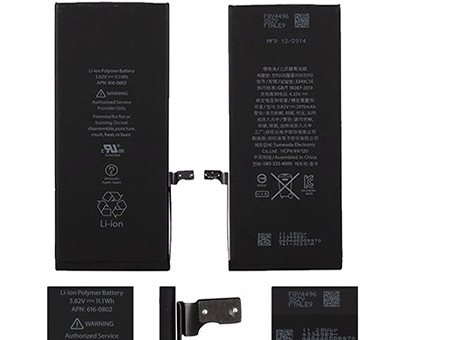
[
2915mAh/11.1Wh,
3.82V]
TODAY PRICE :
£24.17
-
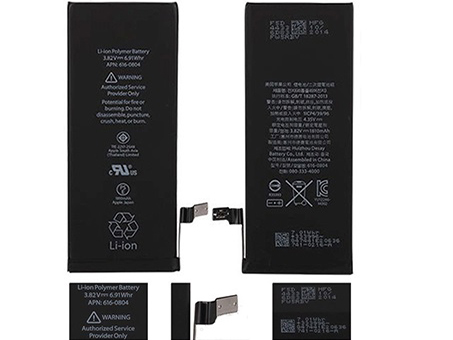
[
1810mAh/6.91Whr,
3.82V]
TODAY PRICE :
£23.39
-
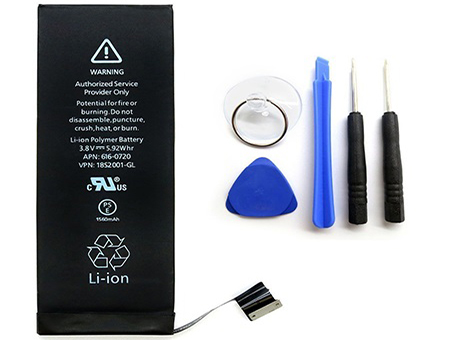
[
1560mAh/5.92Whr,
3.8V]
TODAY PRICE :
£22.62
-
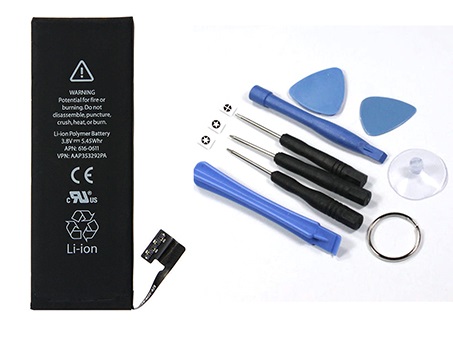
[
1440mAh/5.45Whr,
3.8V]
TODAY PRICE :
£22.61
-
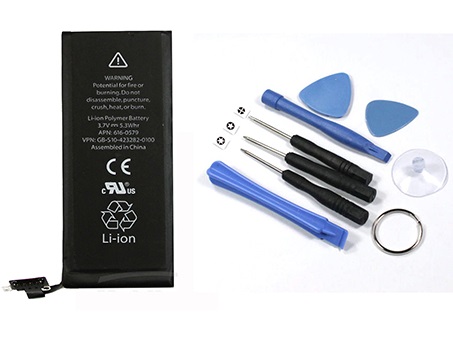
[
1430mAh/5.3Wh,
3.7V]
TODAY PRICE :
£24.17
-
.jpg?x-oss-process=image/resize,w_80)
[
8134mAh,
3.8V]
TODAY PRICE :
£35.10
-
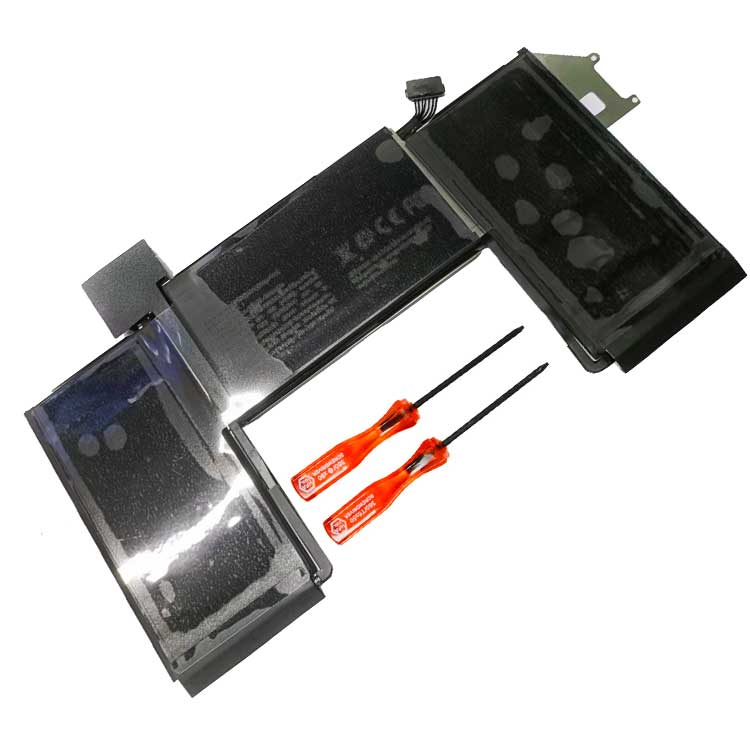
[
4380mAh/49.9Wh,
11.39V]
TODAY PRICE :
£42.90
-
.jpg?x-oss-process=image/resize,w_80)
[
10307mAh/38.8Wh,
3.77V]
TODAY PRICE :
£37.44